
Not my Forest! · · by Paper Node Games
Not my Forest! devlog #2: What the closed beta changed
In the closed beta, 51 people played 106 runs. Here you can read what their feedback changed in the game.
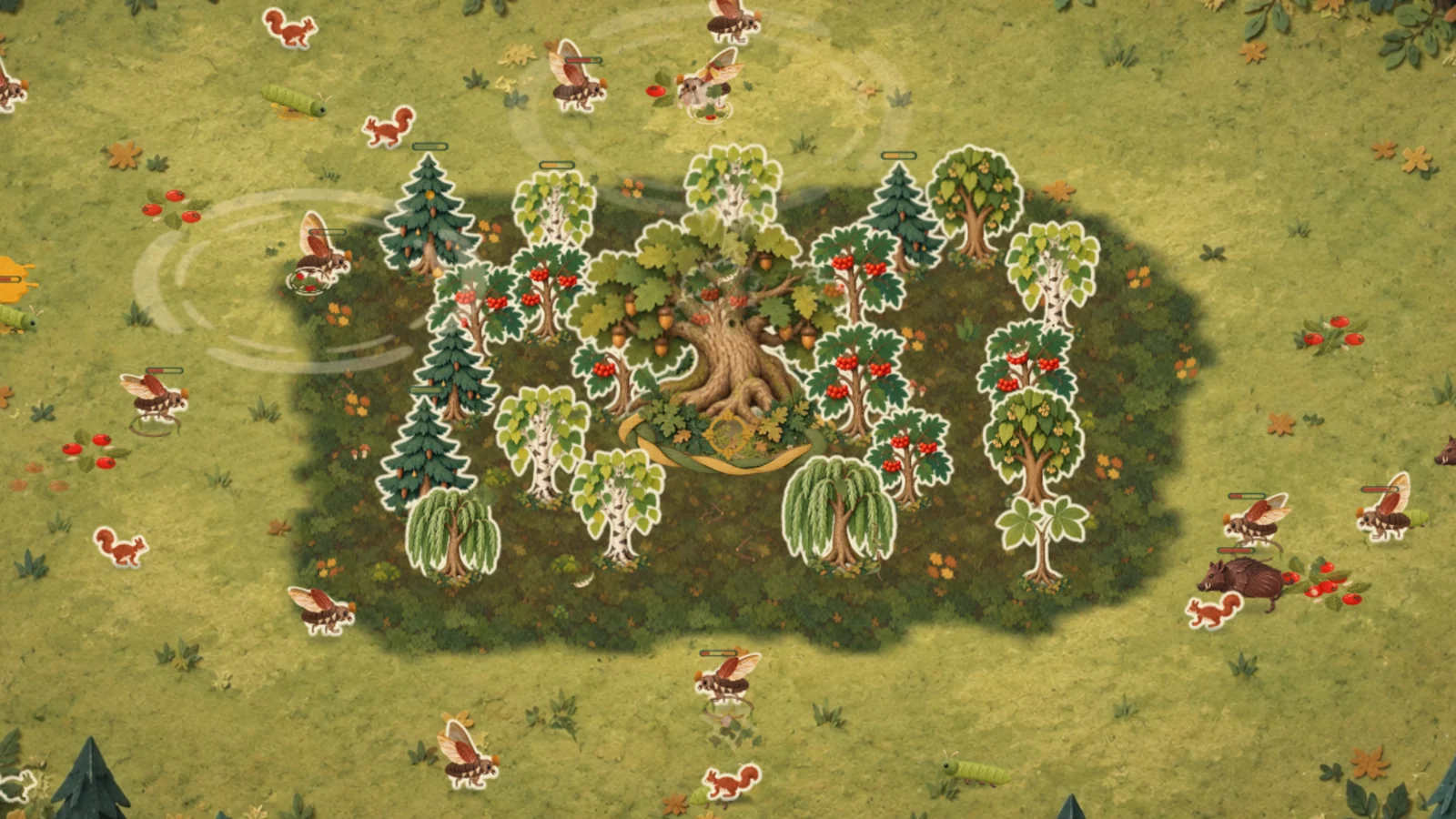
Over the last few days a closed beta was running: anyone with an invite code could play and give me feedback. Thanks to everyone who joined! Here you can read what has changed since.
The beta in numbers
The numbers only include runs from players who agreed in the game to anonymous counting. As of October 15:
- 51 people played, a little over 67 hours in total. That's 79 minutes per person on average.
- You won 43 of 106 runs.
- 20 of the 51 came back the next day to play again.
- A third played on a phone, almost everyone else on a computer.
The longest run in the Endless Forest made it to level 45. What made me happiest were all those minutes and how many of you came back the next day.
What has changed since
Your feedback and my own test rounds led to a lot of changes. Here are the most important ones, some with pictures from before and after.
Building and controls
If you planted something in the wrong place, “Take back” or Ctrl+Z (Cmd+Z on a Mac) removes your last planting and refunds exactly what you paid. This works as long as the next wave hasn't started.
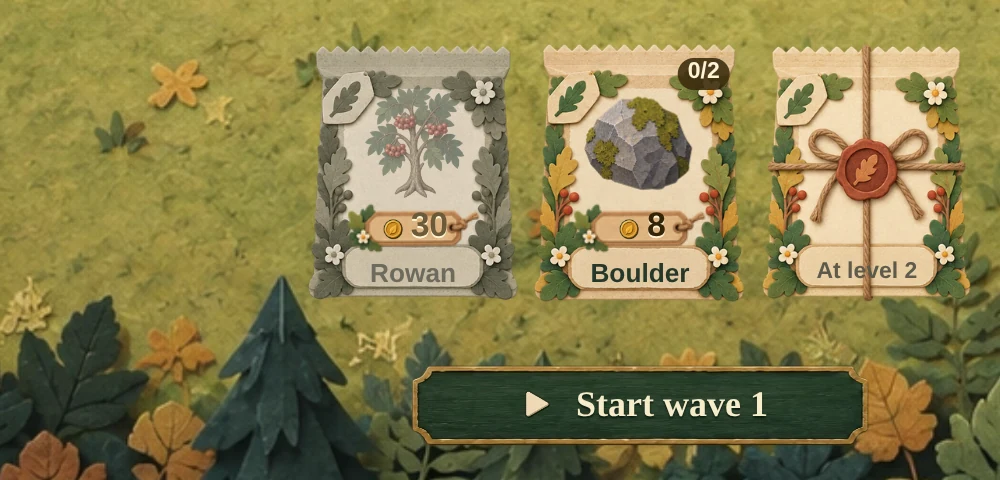
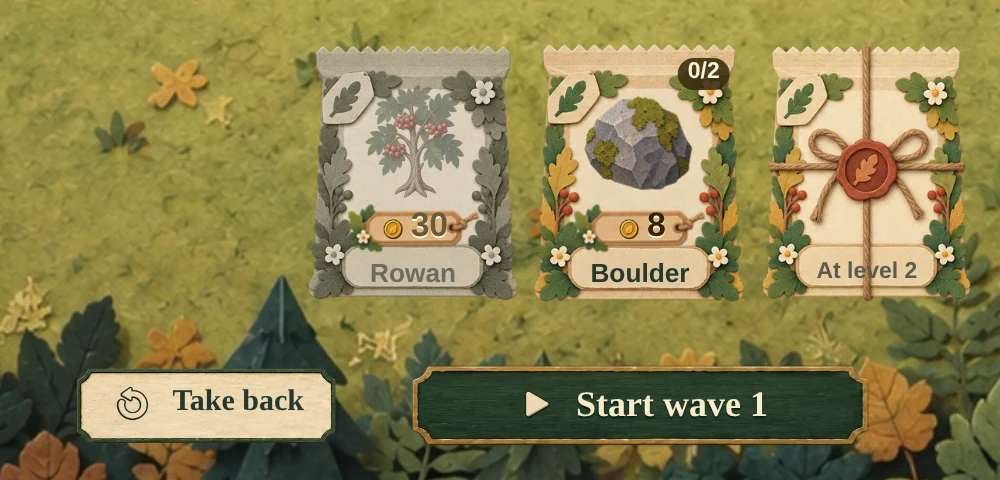
While building, you zoom with the mouse wheel and drag the view with the left mouse button held down. On phones and tablets, two fingers do both. The planting bar and the next-wave preview fold away when you need more room to plan. A right click no longer opens the browser menu. The settings have a new option, “Cast Abilities Instantly”: with it on, an ability fires as soon as you press its key, wherever the mouse points. And when four trees of the same kind can grow together in more than one way, you choose the square yourself.
Seeing what happens
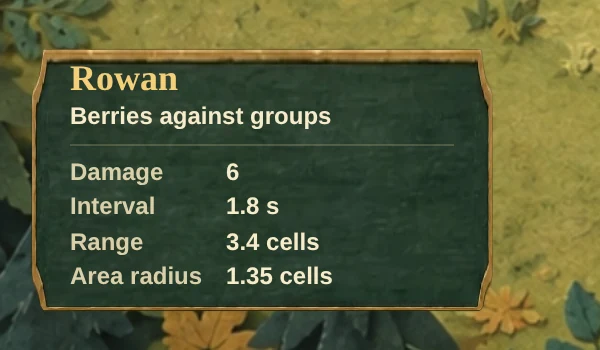
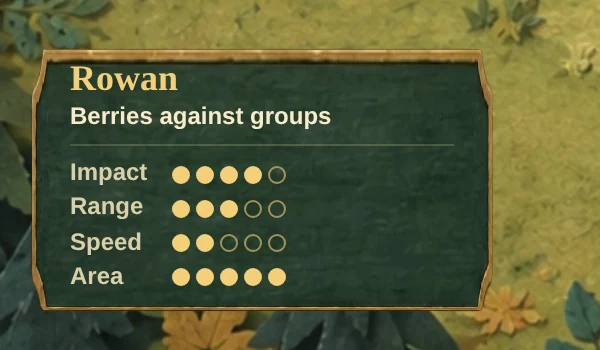
A helper's card used to list raw values like interval and area radius. Today it shows impact, range, speed and area as one to five dots, so you can compare helpers at a glance. The Field Guide uses the same dots.
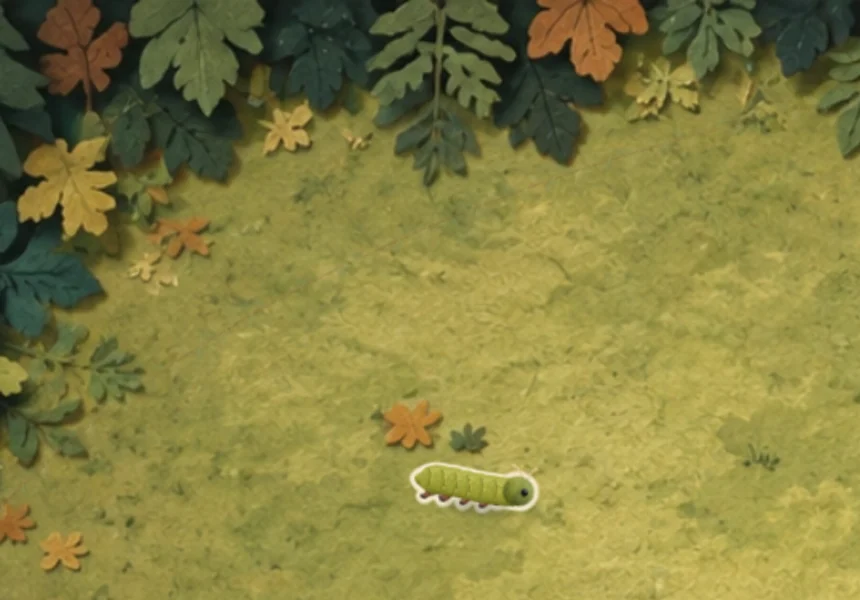
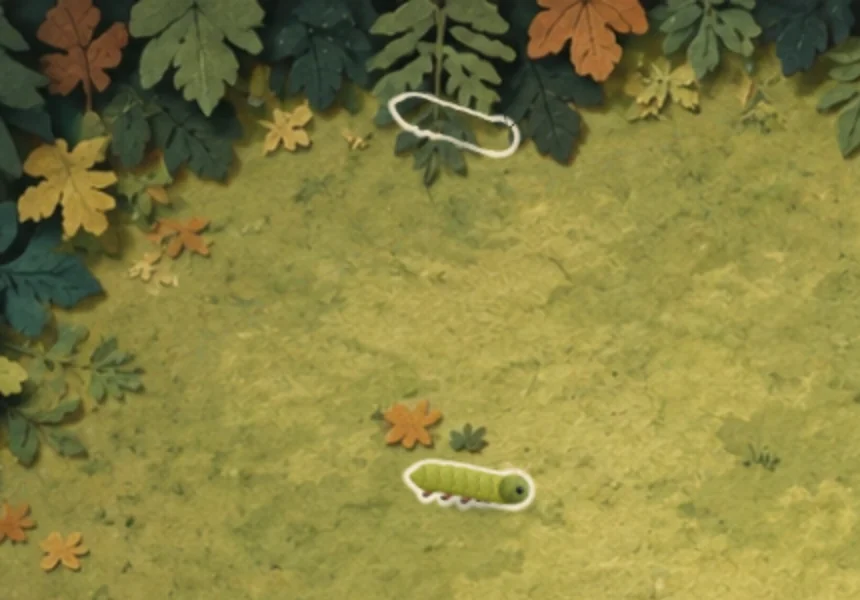
Visitors under the painted forest edge used to be invisible. That was a problem above all when helpers stood near the edge and got visits there. Now hidden visitors show up as a light outline.
What trees and helpers do to visitors is now called “impact” instead of “damage”. Damage only means what visitors do when they nibble on your trunk. You can also open the Field Guide right from the title screen without starting a run.
Difficulty
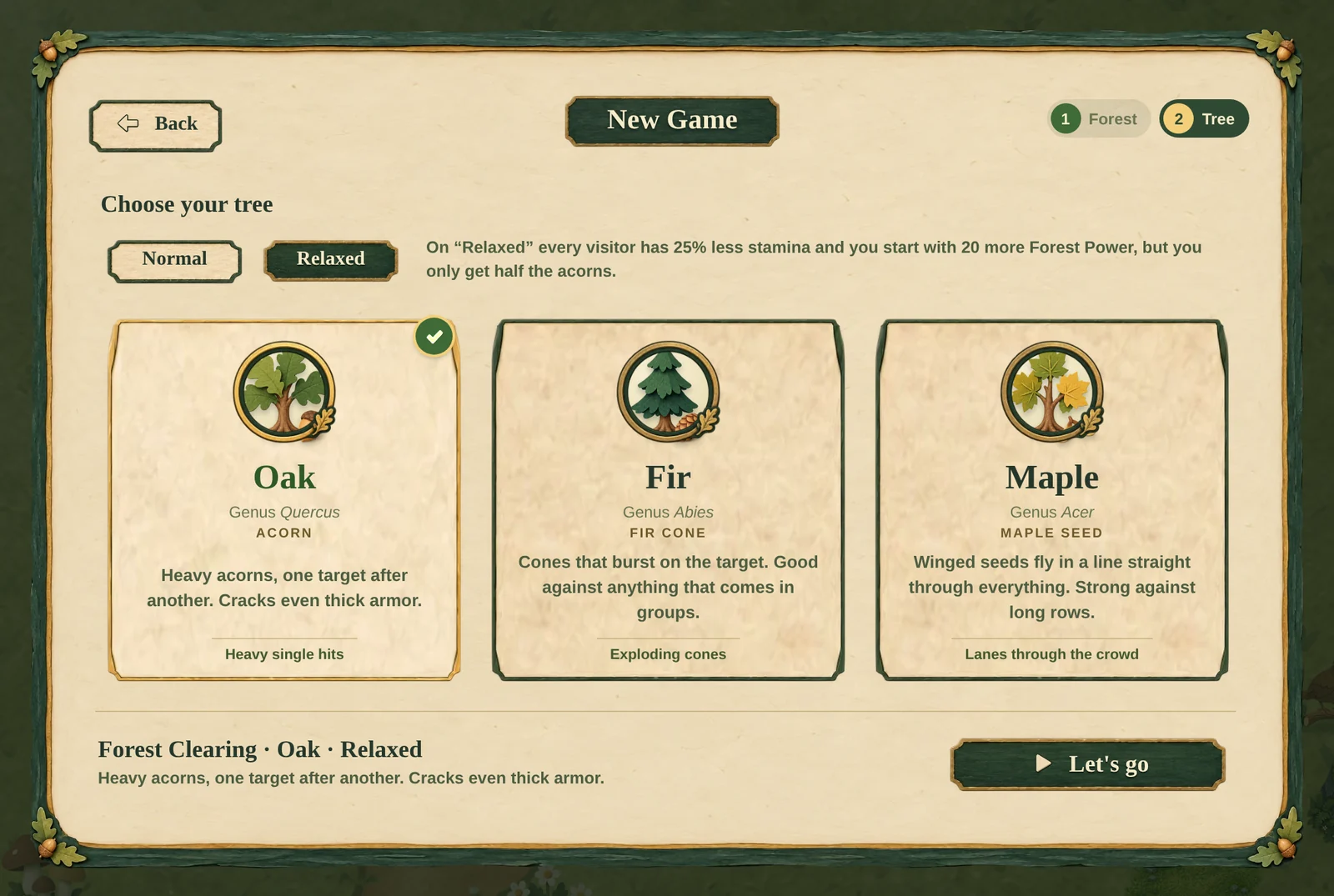
On the Forest Clearing you won 20 of 58 runs, and most of the lost ones ended in level 7 or level 9. I think the difficulty is right, and several of you made it all the way to the end. If you're still getting to know the game, you can make it easier, though: on “Relaxed” every visitor has 25% less stamina and you start with 20 more Forest Power, but you only get half the acorns. You choose it in the “Tree” step when you start a run. Tough Bark and the Monthly Trial don't offer it, and only runs on “Normal” count for the Endless Forest record.
Squirrels are still a job for your own tree. But if they're the only ones left at the end of a wave, your helper trees now help send them home too. My next big topic is the tree species: besides the birch, the other helpers should matter more, and different trees next to each other should strengthen each other.
Talking with you
I replied to some of you right in the game. Replies like these are now conversations: under “My inbox” you can read my answer and write back.
Opinions on the sounds were split. One of you loves that the shots sound like a piano. Someone else liked the note on every hit at first but found it tiring after a while. So the settings now have a “Hit Notes” switch under “Sound”. It starts switched on, so the game sounds the same as before.
On top of that came smaller fixes, for example for My Forest on narrow phones and for the settings, which now fit on common laptop screens without scrolling.
What's next
The open beta is coming soon, and then anyone can play without a code. I'll announce it here in the devlog and on our Discord.
My question: Would you start a new game on “Normal” or on “Relaxed”? Answer wherever you found this post, or on our Discord.
Thanks to everyone who played and wrote to me!